
 English
expand_more
 Español
 Deutsch
 Français
 Português
 Türkçe
 Polski
 العربية
 हिन्दी
Keyword rankings table
See each keyword’s current position, the change since the previous check, and its ranking history by date.
See which keywords are gaining ground, which have dropped, and who’s outranking your site.
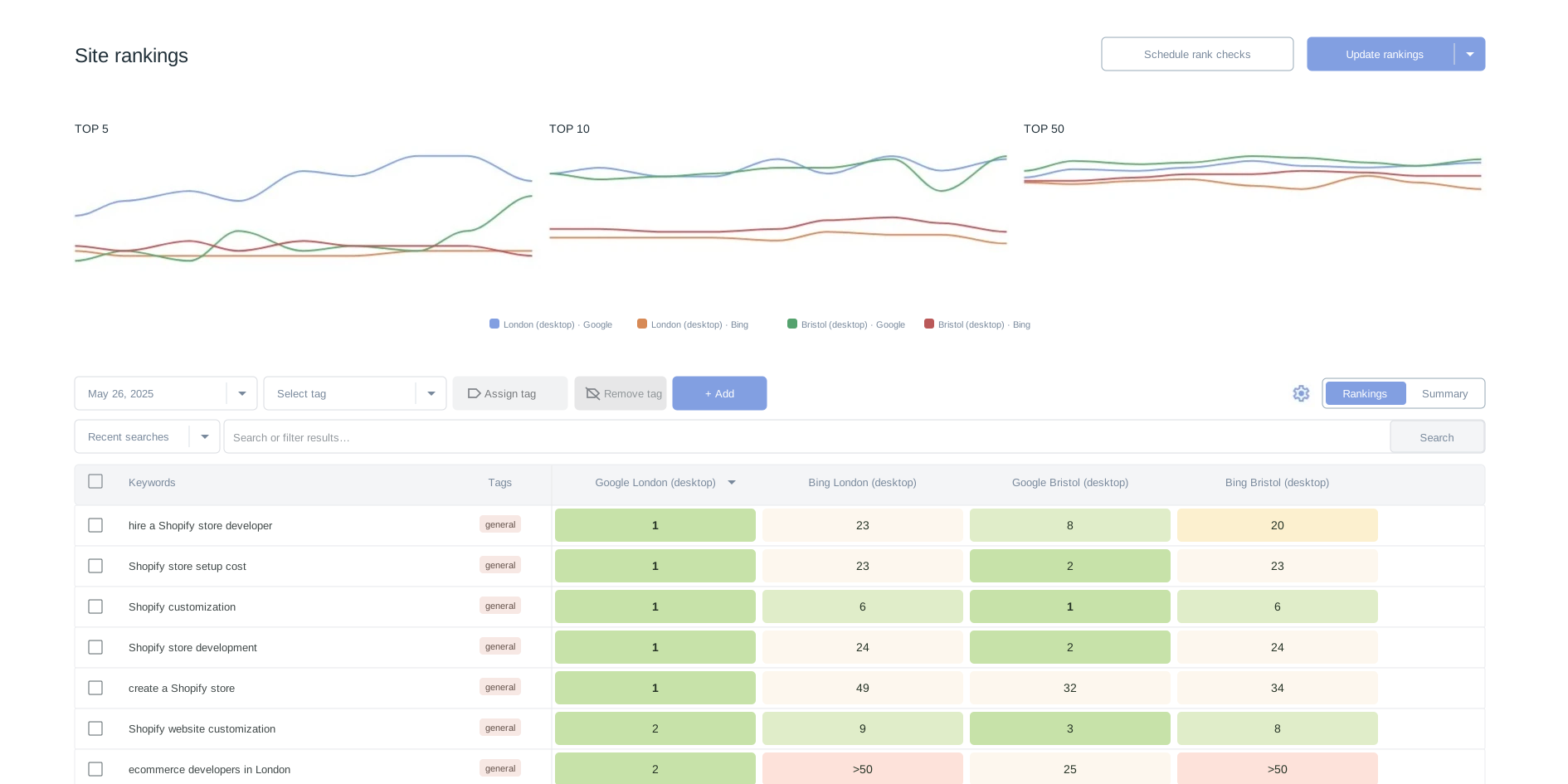
Labrika tracks rankings by keyword, keyword group, region, and search engine. It compares your site with competitors and shows you which pages to review first.
Check rankings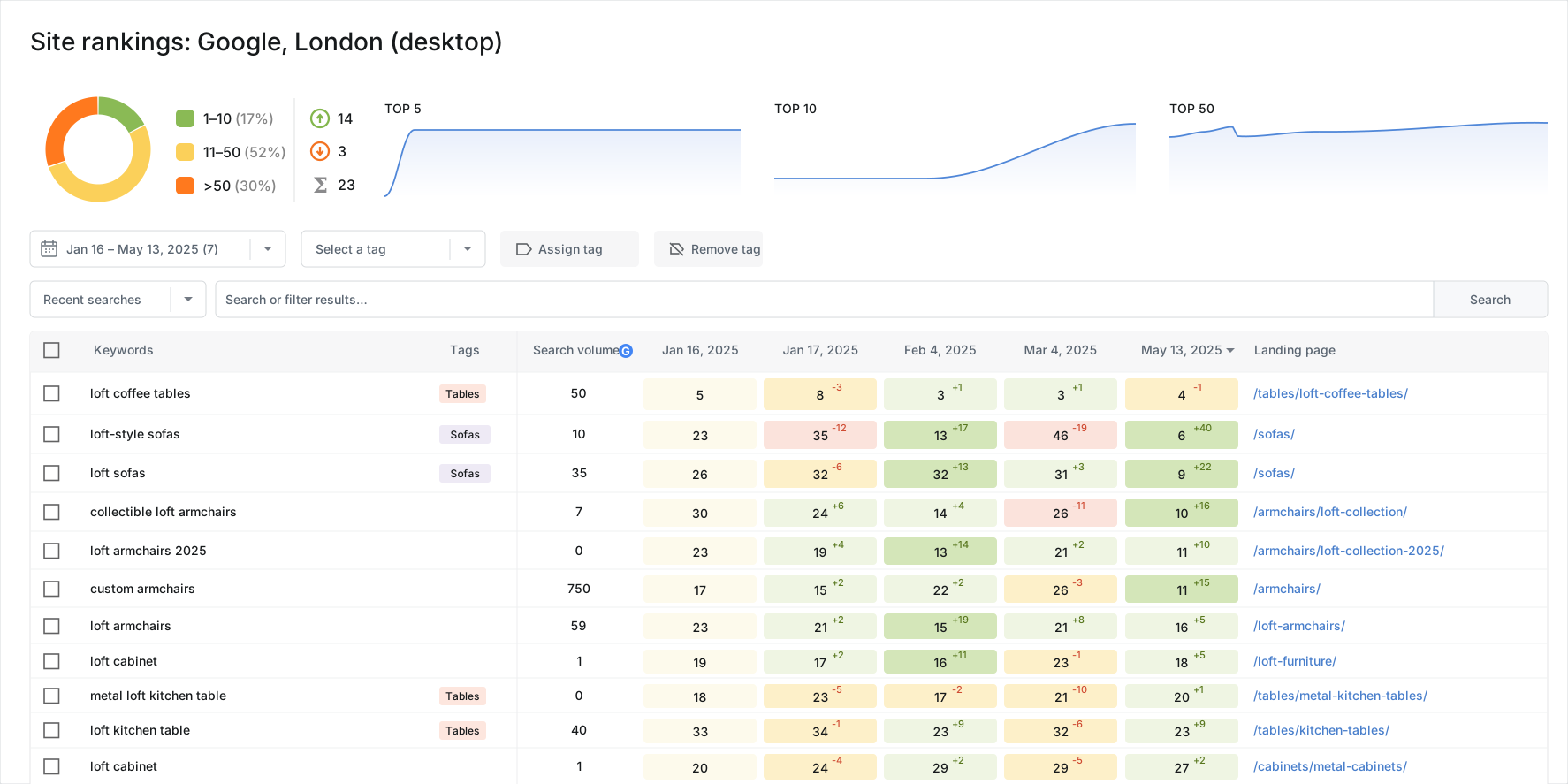
By the time you see traffic drop in your analytics, the problem has already occurred. A rankings report can reveal changes earlier. Keywords may start slipping, a competitor may move ahead, a page may drop out of the top 10, or a keyword group may stop gaining ground.
See which keywords and groups lost ground without having to check your entire keyword list by hand.
See which competitor overtook you and where the gap has grown wide enough to be a concern.
Compare rankings across check dates to see whether changes to title tags, copy, page structure, or sales content helped.
Keywords ranking in positions 11–20 show you which pages are closest to the first page of search results.

Compare rankings across check dates to see how they changed after you updated the content, meta tags, or page structure.
Identify which keyword groups lost ground and distinguish an SEO issue from seasonality or a shift in search demand.
Export an XLSX file for the dates you choose and show ranking trends by keyword group, region, and competitor.
Track when the page first appears in search results, breaks into the top 50, and approaches the top 10.
Compare the regions where your site already has search visibility with those where competitors are stronger.
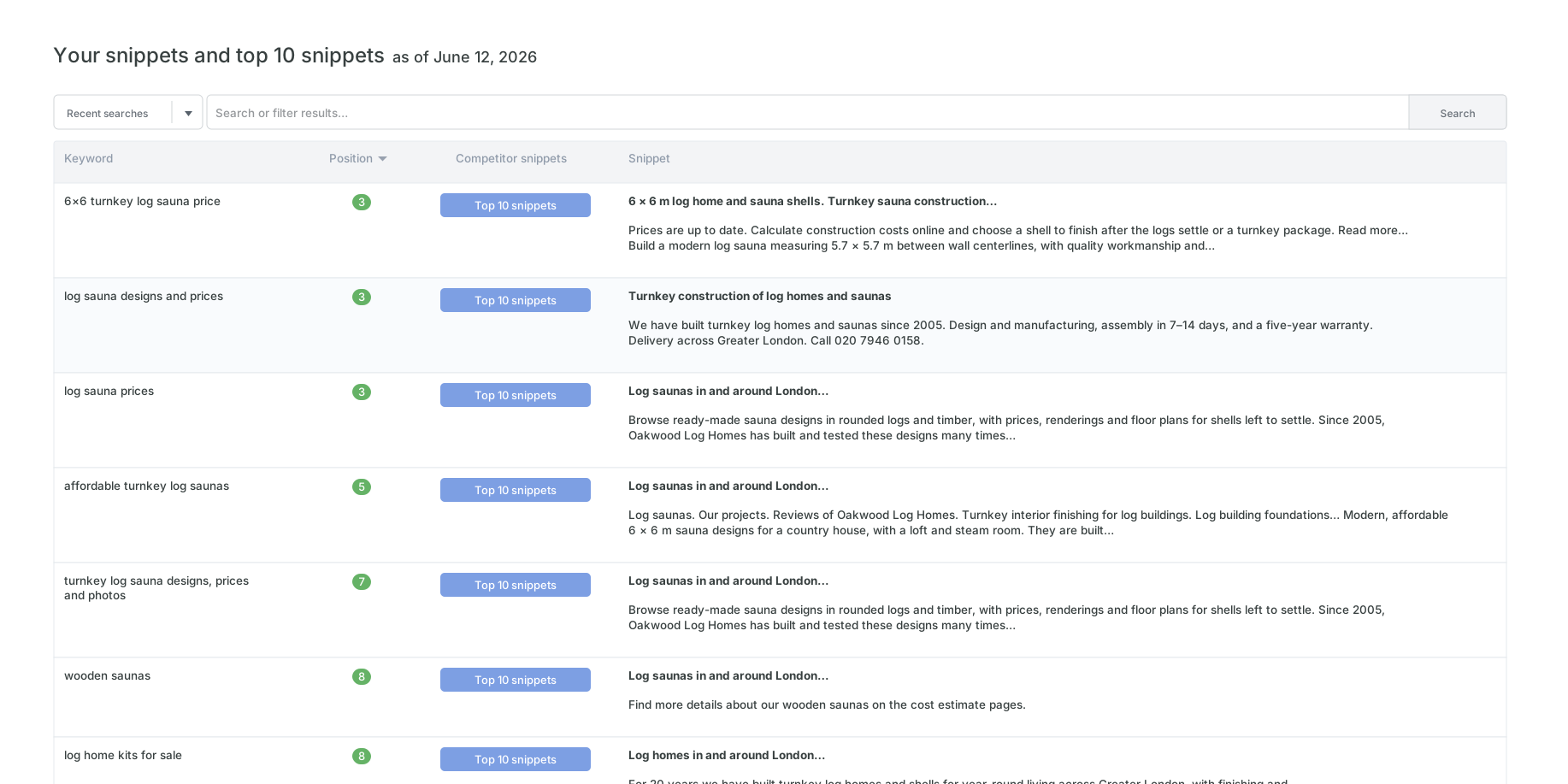
Find the keywords where a competitor overtook you and review their pages and snippets in the top 10.
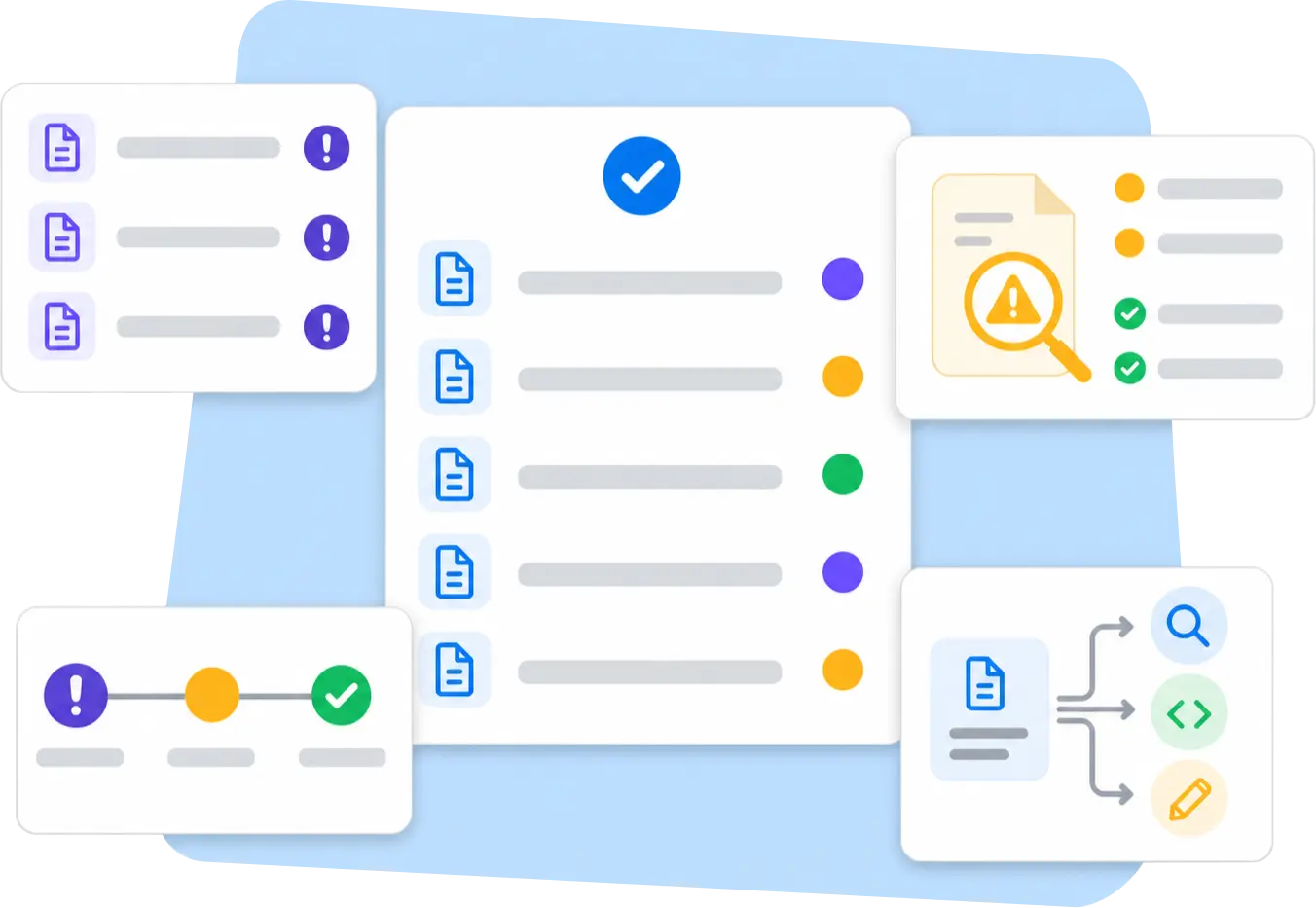
The number of credits you use depends on how many keywords, search engines, and regions you check and how far down the results you track. Start with a small set of core keywords and expand tracking where you need more data.
Checking one keyword in one search engine and one region, to a depth of 50 results, costs one credit.
Tracking a keyword in ten regions uses more credits than tracking the same keyword in one region.
Check individual keyword groups, turn off tracking for keywords you no longer target, and run checks less often where rankings rarely change.
To get started, add your 20–50 most important keywords, 1–2 regions, and 5–10 competitors. You’ll quickly see what the report can tell you and which keyword groups are worth expanding.
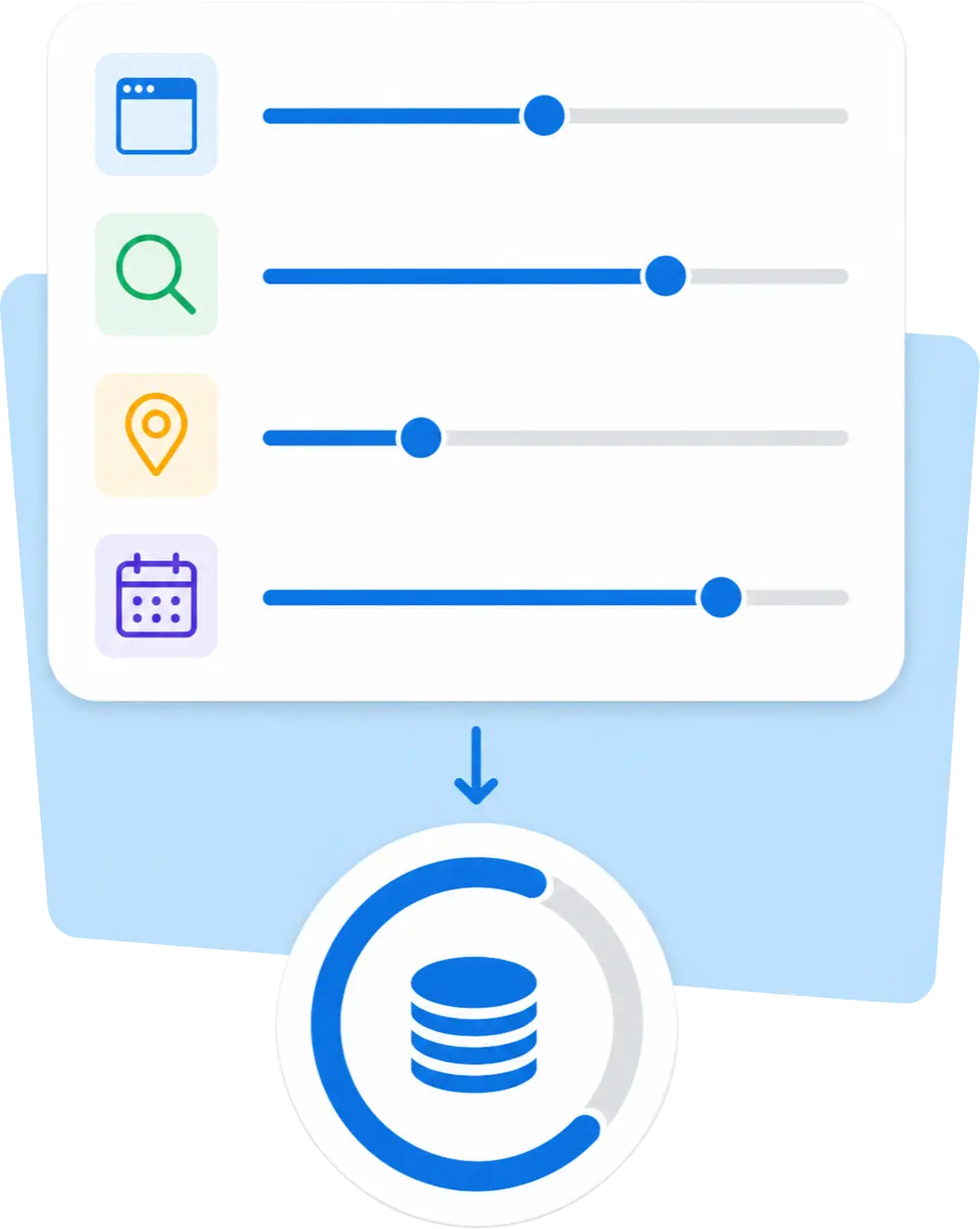
See where your site ranks today, how positions change over time, how visible each keyword group is, where competitors rank, and which landing pages appear. You also get the data you need for reporting.
See each keyword’s current position, the change since the previous check, and its ranking history by date.
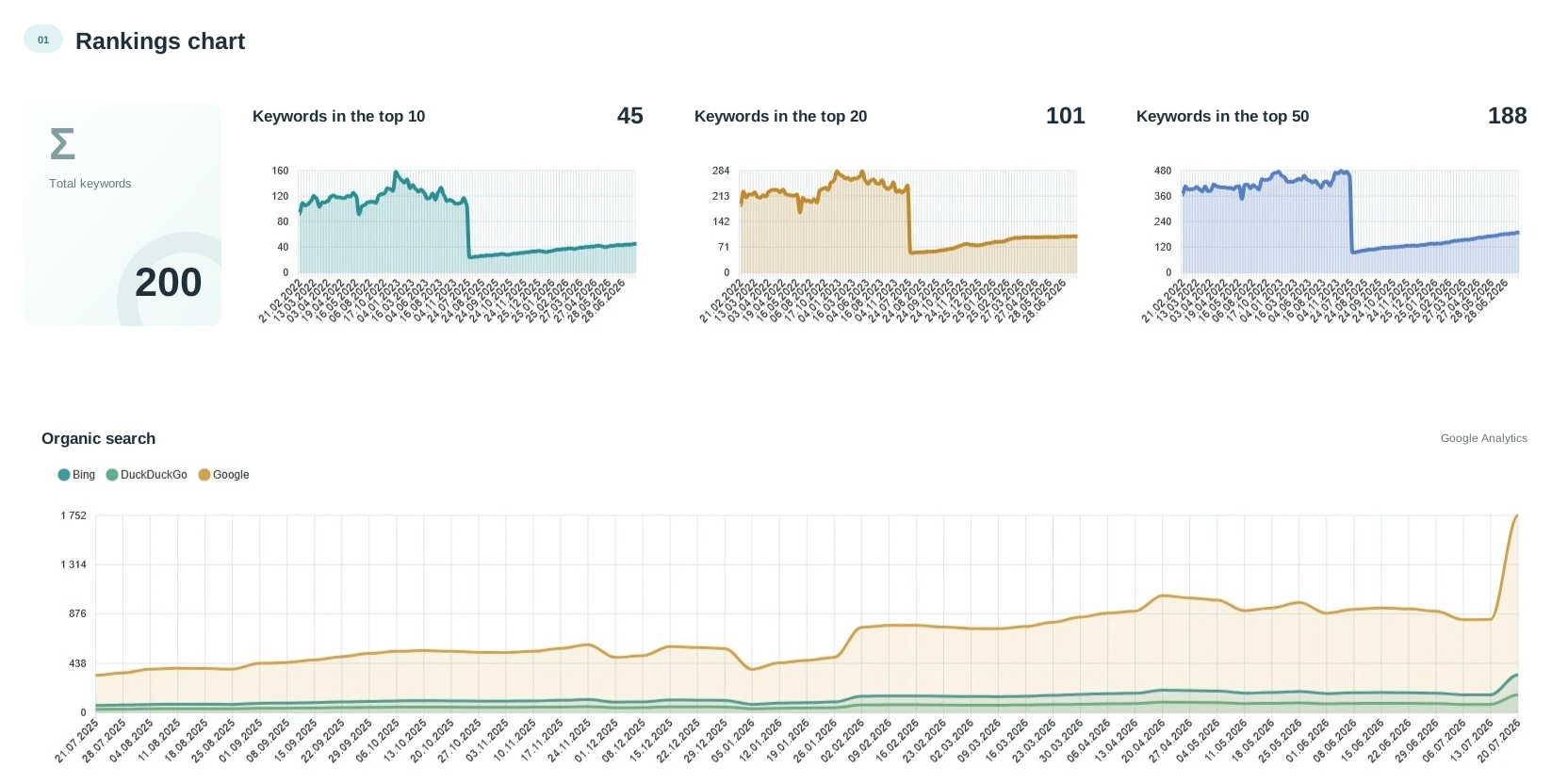
See the overall trend for a search engine, keyword group, and date range.
Quickly see how many keywords already give your site prominent visibility in search results.
See how competitors rank for your keywords without having to check each domain manually.
Open the URL that ranks for a query and see how changes to that page relate to its rankings.
See who ranks above you, how their snippets appear, and what might influence click-through rate.
Update rankings just for a category, service, region, brand, or area of a client’s business without rerunning the entire project.
Bring in data from your previous tool so your Labrika report includes your ranking history from day one.
Download a report for the dates you choose and share it with your team, manager, or client.
The report shows where your site gained or lost ground. Next, open Labrika’s SEO audit for the pages in question to find the reasons for a drop and decide what to fix first.
If rankings have slipped, the page may have become less relevant, a competitor may have improved, or the search results may have changed. Open the landing page and run an SEO audit to check for technical errors and review indexing, meta tags, content, and on-page optimization.
If many keywords rank in positions 11–20, their pages are already close to page one but still need work. Use the SEO audit and content optimization tools to refine title tags, meta descriptions, page structure, copy, and sales content.
If a competitor outranks you for a keyword group, their page or snippet may be stronger, or their content may better match search intent. Review competitor snippets in the top 10, compare landing pages, and run an SEO audit on your page.
When a group is gaining ground, your work on that topic is already delivering results and there’s room to grow. Add new keywords and pages, then check them in the SEO audit before expanding the cluster.

A drop from position 5 to 9 tells you little on its own. It matters who moved ahead of you. Was it a direct competitor, a marketplace, an aggregator, a publisher, or a review article? Add up to 100 competitors in Labrika to see where they rank for your keywords.
See who is winning commercial queries and where the gap is widening fastest. Compare landing pages, snippets, category structures, and sales content.
See where large platforms dominate the results and where your site can still compete. Decide when to improve a category page, target a different search intent, or change your SEO approach.
Spot queries where articles, reviews, and roundups are displacing commercial pages. Create or improve informational content to match that search intent.
Spot domains that are starting to gain ground on your topics. Respond to a competitor’s rise before it affects leads and sales.
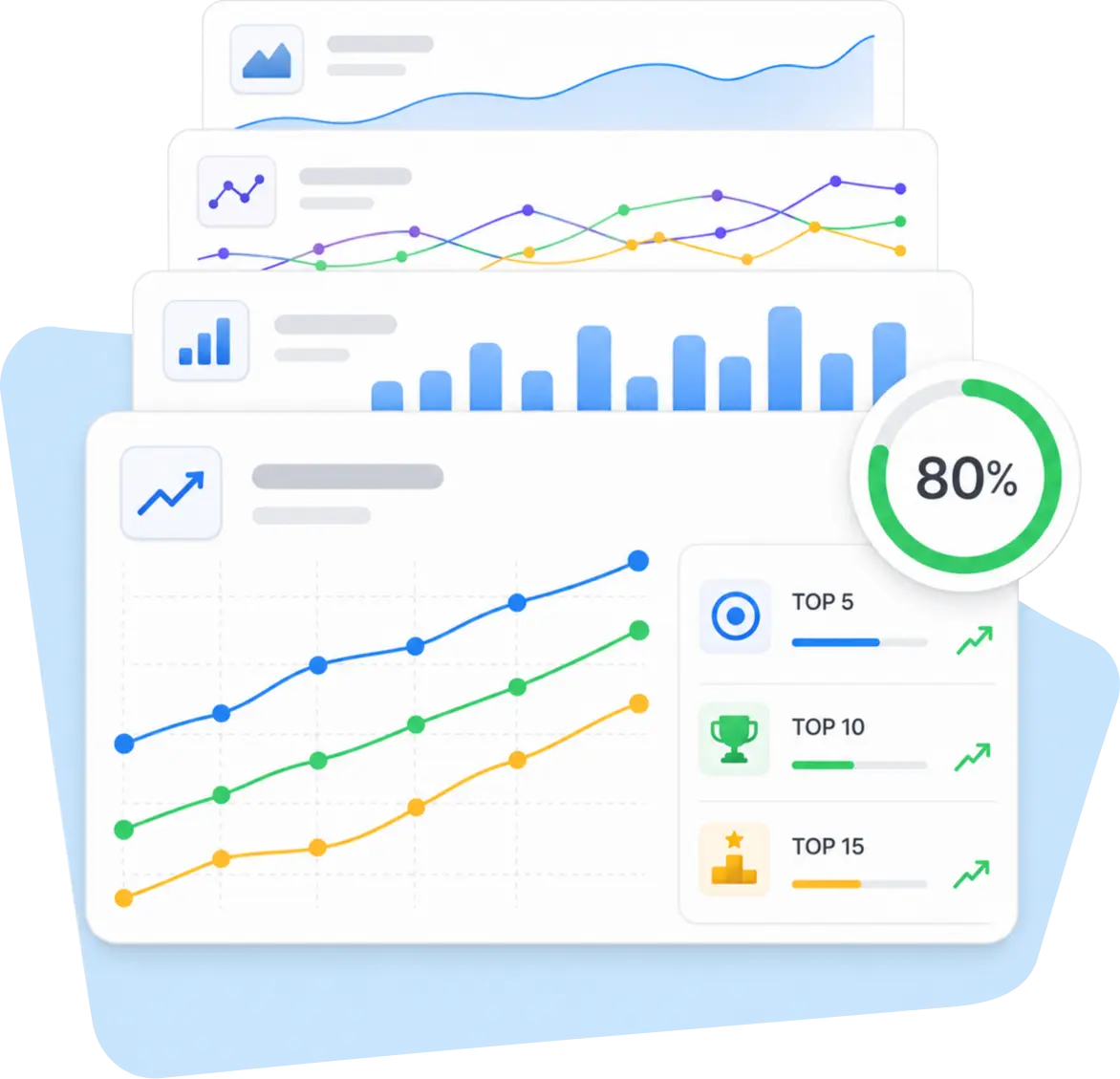
If you’ve tracked rankings with another tool, you can pick up where you left off. Download your ranking history from your previous provider and import it into Labrika.
Export your historical rankings from the tool you used before.
Upload the file to continue analyzing ranking trends in your Labrika project.
If the report uses a different format or you have questions about the import, contact support. We’ll help you transfer the data.
Your ranking history lets you see trends, seasonality, the impact of past SEO work, and when your site started losing visibility, even before you switched to Labrika.

Credit usage depends on the number of keywords, search engines, and regions, as well as how deep into the search results you check. Start with a small keyword group and expand tracking gradually.
If your account has free credits or trial access, use them for your first check. Add a short keyword list, one region, and a few competitors.
You can run your first check as soon as you add your site and keywords. For more precise tracking, add keyword groups, regions, search engines, landing pages, and competitors.
Yes. You can refresh rankings for all your keywords or for a single keyword group.
Yes. Add up to 100 competitors in Labrika and see where they rank for your target keywords.
Yes. Download the report containing your historical rankings from your previous provider and import it into Labrika. If you run into problems with the file format or the data transfer, contact support.
Yes. Choose the dates you want to include and download your rankings report as an XLSX file.
For most projects, checking on a regular schedule, after significant site changes, or once or twice a month is enough. Choose a frequency that reflects how quickly search results change in your niche.
Labrika shows your rankings, trends, competitors, and the pages associated with each keyword. Your team, contractor, or SEO specialist makes the changes.
Search results vary with region, search engine, timing, personalization, and search settings. A trend measured under consistent conditions tells you more than a one-off manual check.
You’ll get a keyword rankings table, trends by date, visibility by keyword group, competitor data, landing pages, and an XLSX export to work with.
Add your site, target keywords, and competitors. Labrika will show you ranking trends, the gap between you and your competitors, and which pages to work on first.
Check my site’s rankings