
 English
expand_more
 Español
 Deutsch
 Français
 Português
 Türkçe
 Polski
 العربية
 हिन्दी
For site owners
Create a project for your site, get tasks from the audit, set deadlines for contractors or specialists, and track the work.
Labrika uses AI to create tasks for your site, so you can assign the work and check the results. Run an SEO audit and Labrika will help you automatically turn issues, recommendations, and opportunities for growth into project tasks.
Generate tasks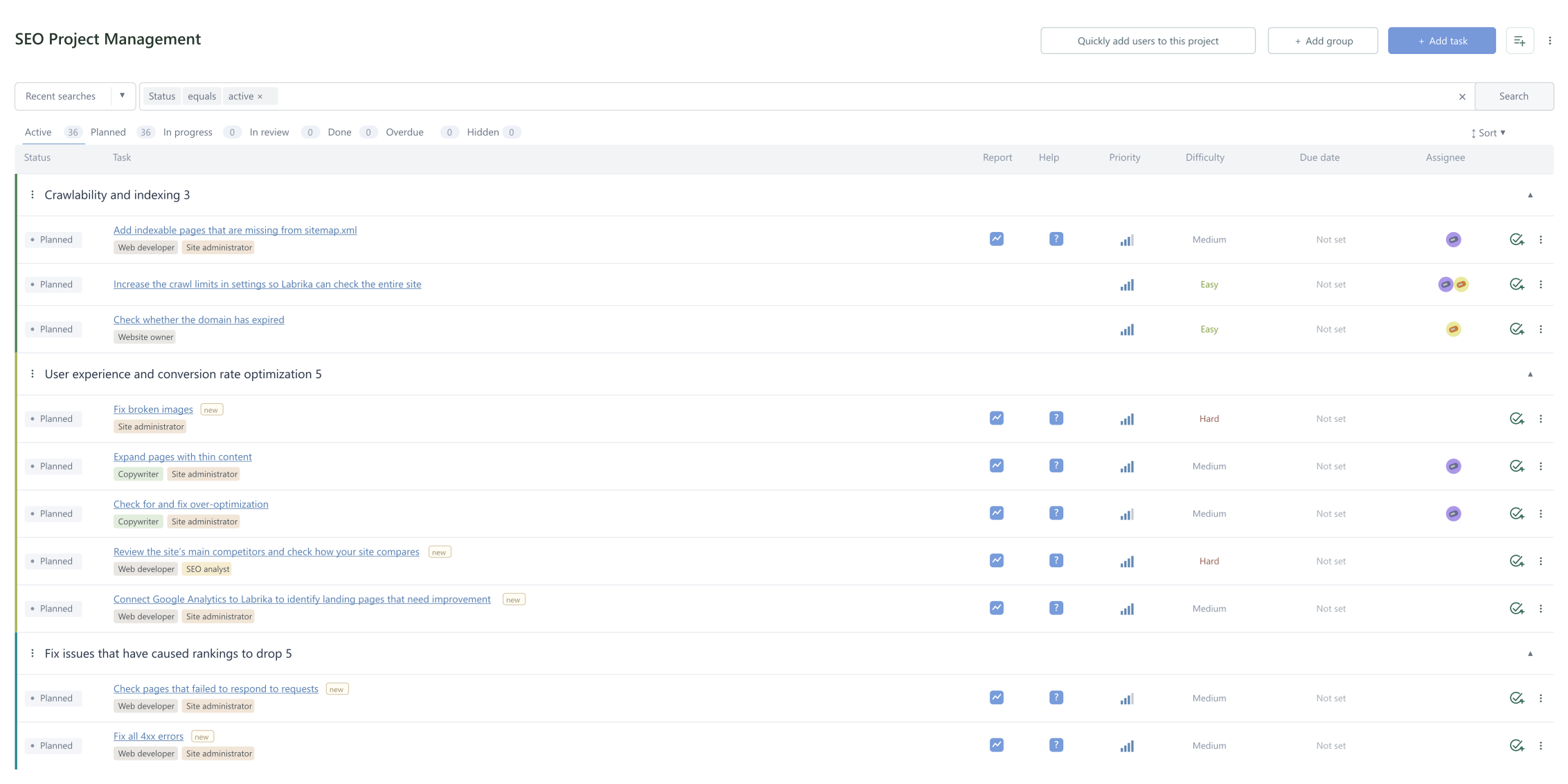
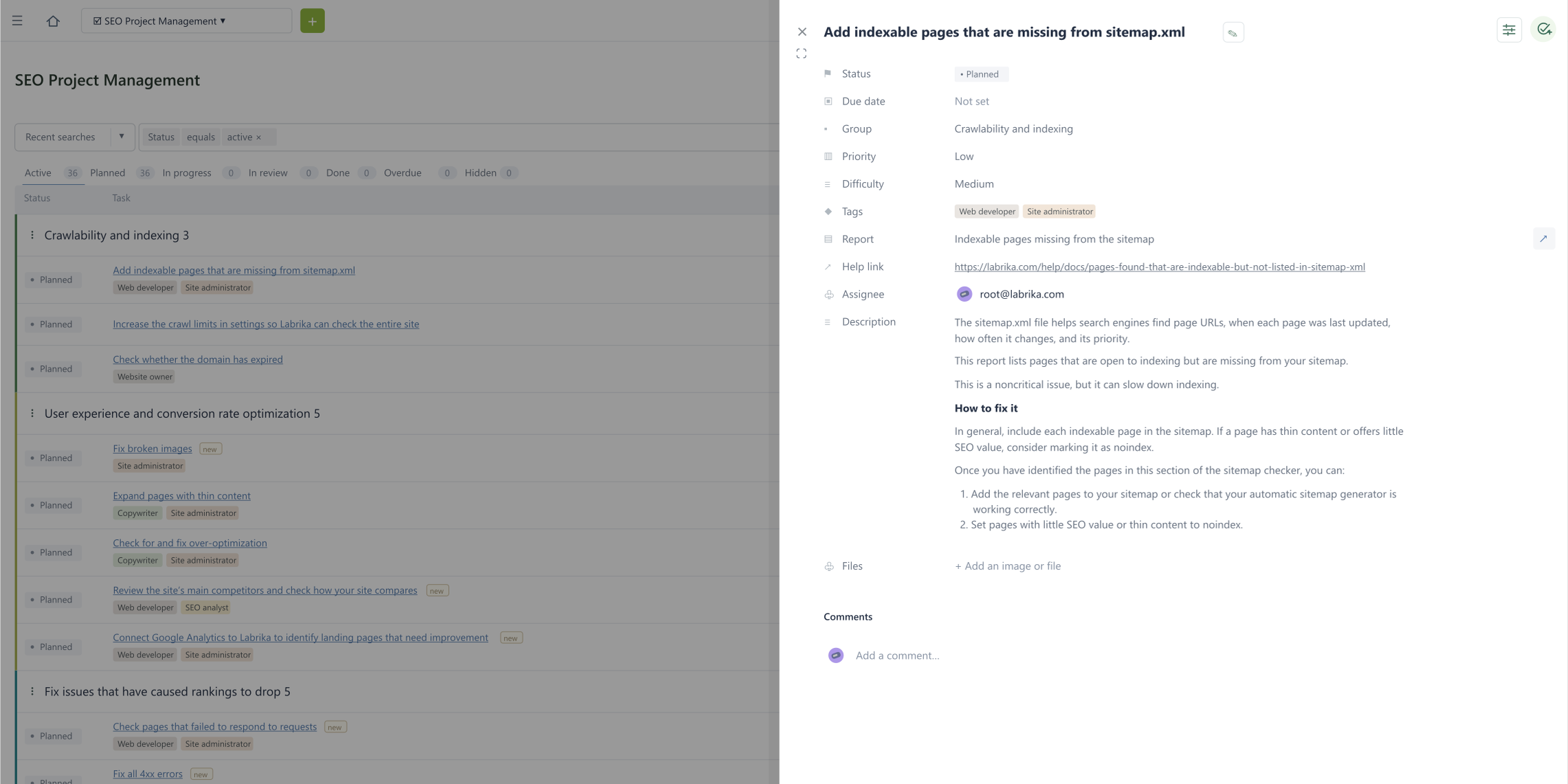
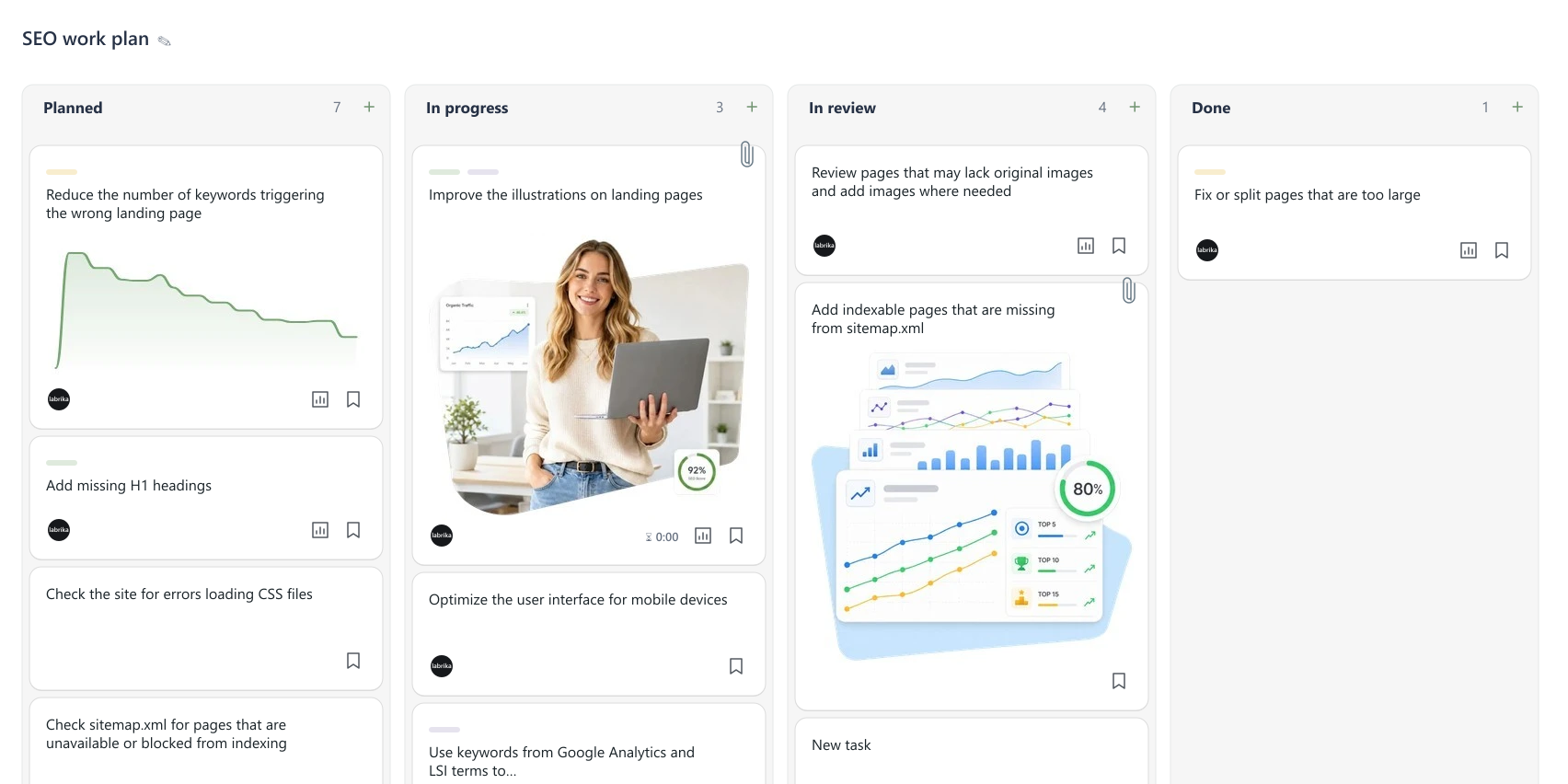
AI turns audit findings and recommendations into clear tasks.
Set priorities, choose who’s responsible, and agree on deadlines.
See task status and track work through to completion in one place.
You get more than a report. You get one place to manage work on your site: tasks, priorities, deadlines, assignees, comments, files, and progress tracking.
An audit can uncover technical errors, underperforming pages, content issues, and opportunities for growth. But if no one assigns the tasks or sets deadlines, and the people doing the work don’t know what to tackle first, the recommendations stay in the report.
Labrika helps close that gap: site audit → AI-generated task plan → assignees → deadlines → progress tracking.

Once you’ve run an audit and generated tasks, you have a workspace for your site that includes:
The key benefit: Labrika helps you see what needs to be done and organize the work to get it done.

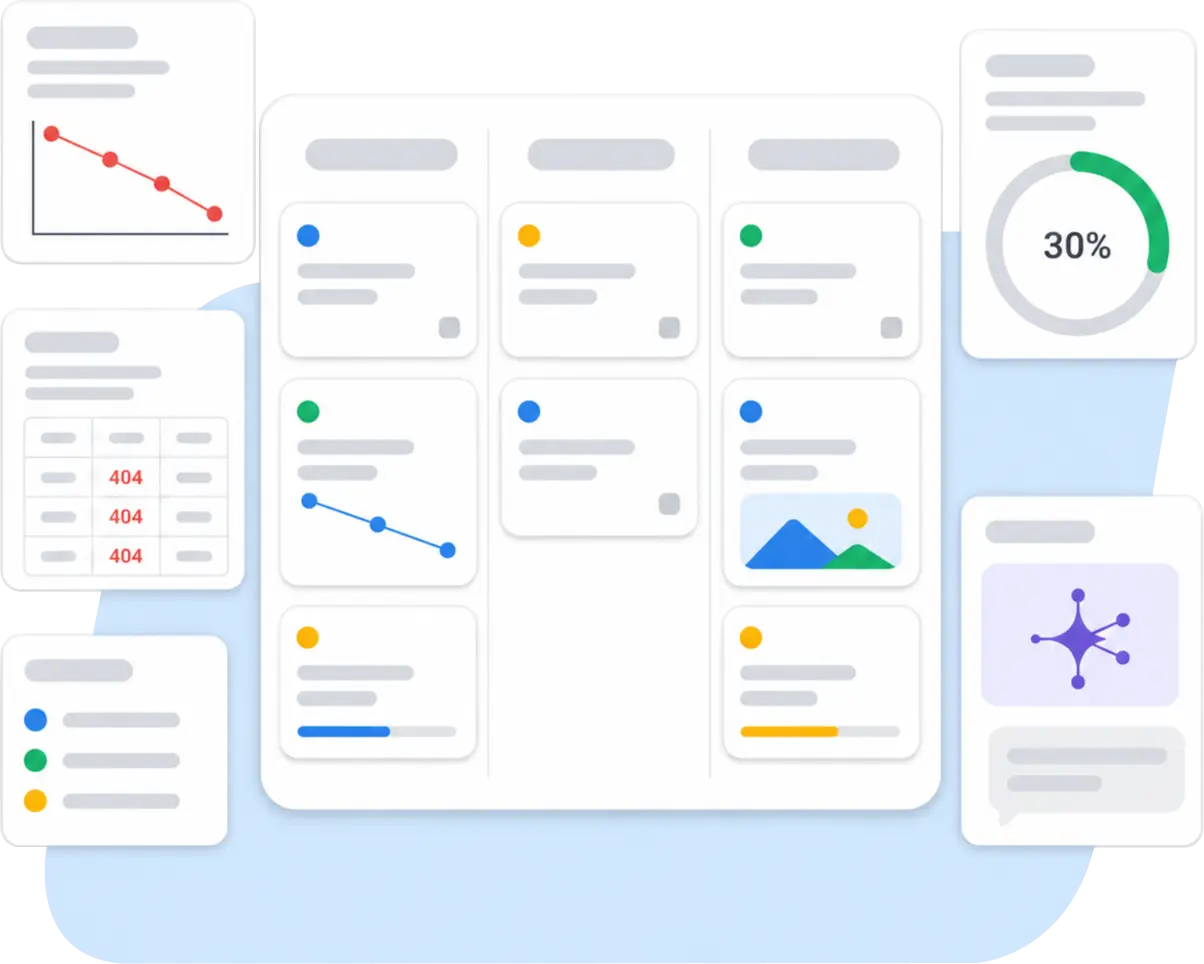
Labrika connects three steps: site analysis → AI-generated task plan → managing the work through to completion.

Create a project for your site, get tasks from the audit, set deadlines for contractors or specialists, and track the work.
Create a project for one client, generate tasks with AI, add to the plan manually, and show the client how the work is organized.
Create a task board for the coming month: audits, content, technical fixes, implementation checks, and new ideas.
Start small: one site, one board, and 10–20 important tasks. You can expand from there.
Project management covers all the work on your site, beyond fixing SEO issues:
Labrika becomes more than a place to store reports. It becomes a system for improving your site.

After an SEO audit, Labrika already knows where your site has problems, weak spots, and opportunities for growth. AI uses those findings to draft project tasks.
You can review the suggested tasks, edit their wording, remove what you don’t need, add your own items, and set assignees and deadlines.
AI saves you time when preparing the plan. The final decisions are yours.

Project management helps you get more out of Labrika’s other tools:
Labrika helps you follow the whole process: find an issue → create a task → assign it → track it to completion → check the result.
Choose a plan based on the number of projects, team members, and recurring tasks you need. Plan details come from Labrika, so you can see the current limits and prices.
Labrika uses AI to generate tasks automatically from your site’s SEO audit. You can then review and edit the tasks, add your own items, and set assignees and deadlines.
No. You can use project management for SEO, content, development, contractors, client work, monthly plans, implementation checks, and site improvements.
Yes. You can create tasks manually even if they aren’t related to an audit.
Yes. Agencies can organize projects by client, create work plans after an audit, assign specialists, and show clients how the work is progressing.
Yes. You can invite people to a project and assign them the appropriate roles. You can give clients access to view progress.
No. Labrika helps you create tasks and manage the work. Your team, contractor, developer, editor, or SEO specialist implements the fixes.
Run a site audit, get a task plan, choose the most important tasks, and set assignees and deadlines. Or start manually with a “Website work plan” board.
Run an audit, get a task plan, assign the work, and track it through to completion in one system.
Generate tasks