
 English
expand_more
 Español
 Deutsch
 Français
 Português
 Türkçe
 Polski
 العربية
 हिन्दी
AI Visibility
Find out whether AI assistants recommend your site or send customers to your competitors.
See how ChatGPT, Gemini, Claude, DeepSeek, and Perplexity answer the questions that matter to your business. Do they mention your site? Which brands do they rank higher? For which prompts are you losing visibility?
Start with your site, a few prompts, and your competitors. Before you run the check, Labrika shows you how much of your allowance it will use.
- ChatGPT
- Gemini
- Claude
- DeepSeek
- Perplexity
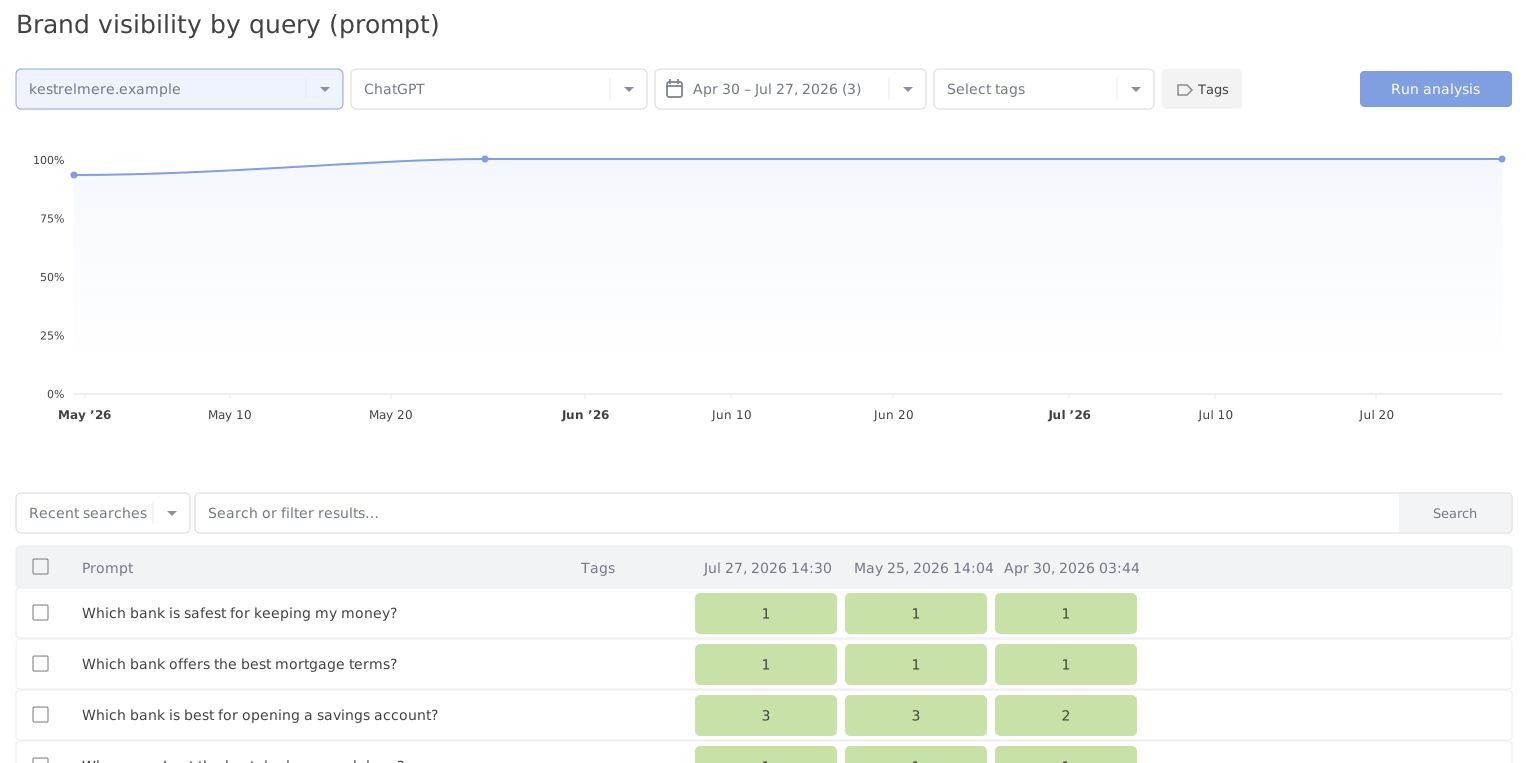
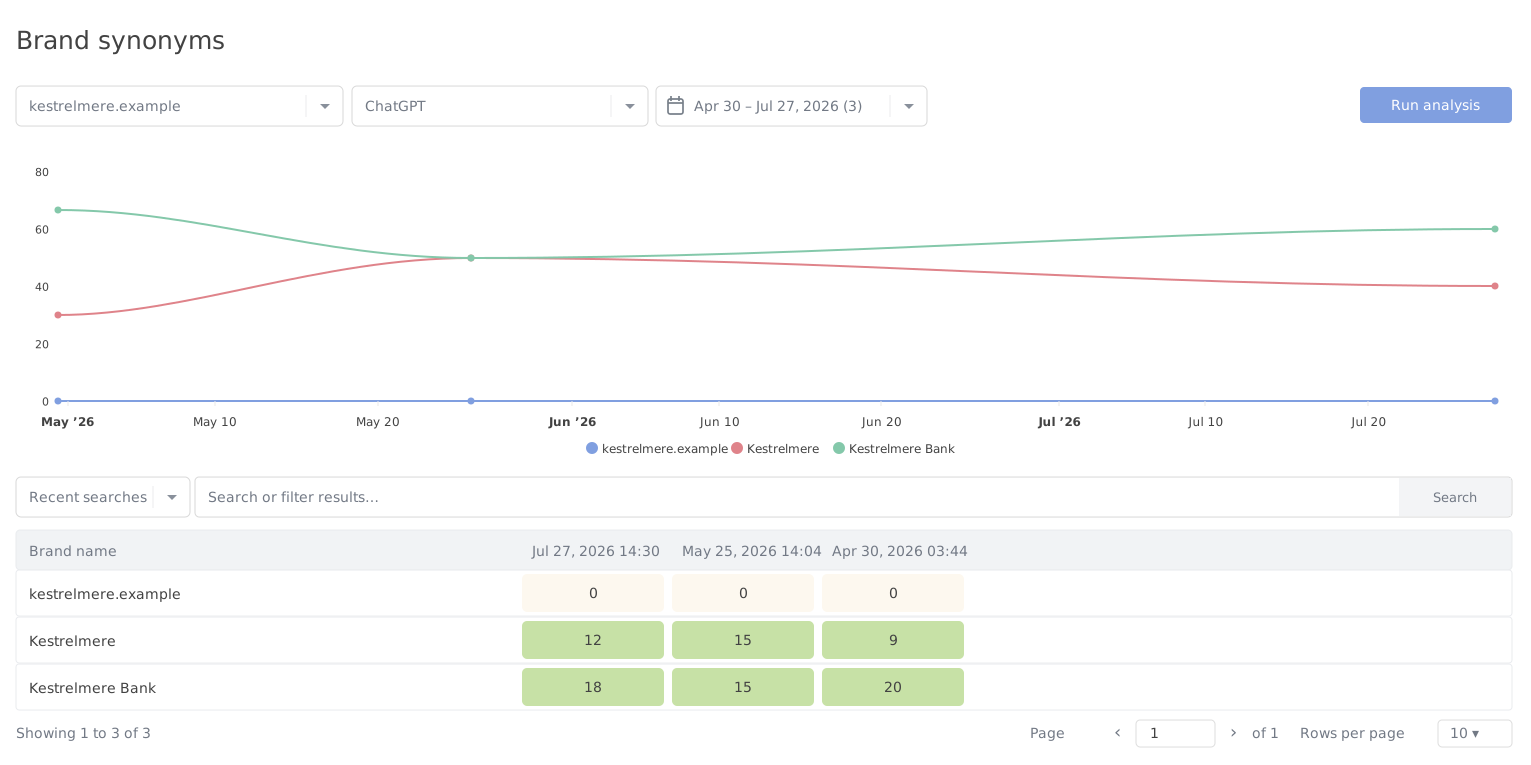
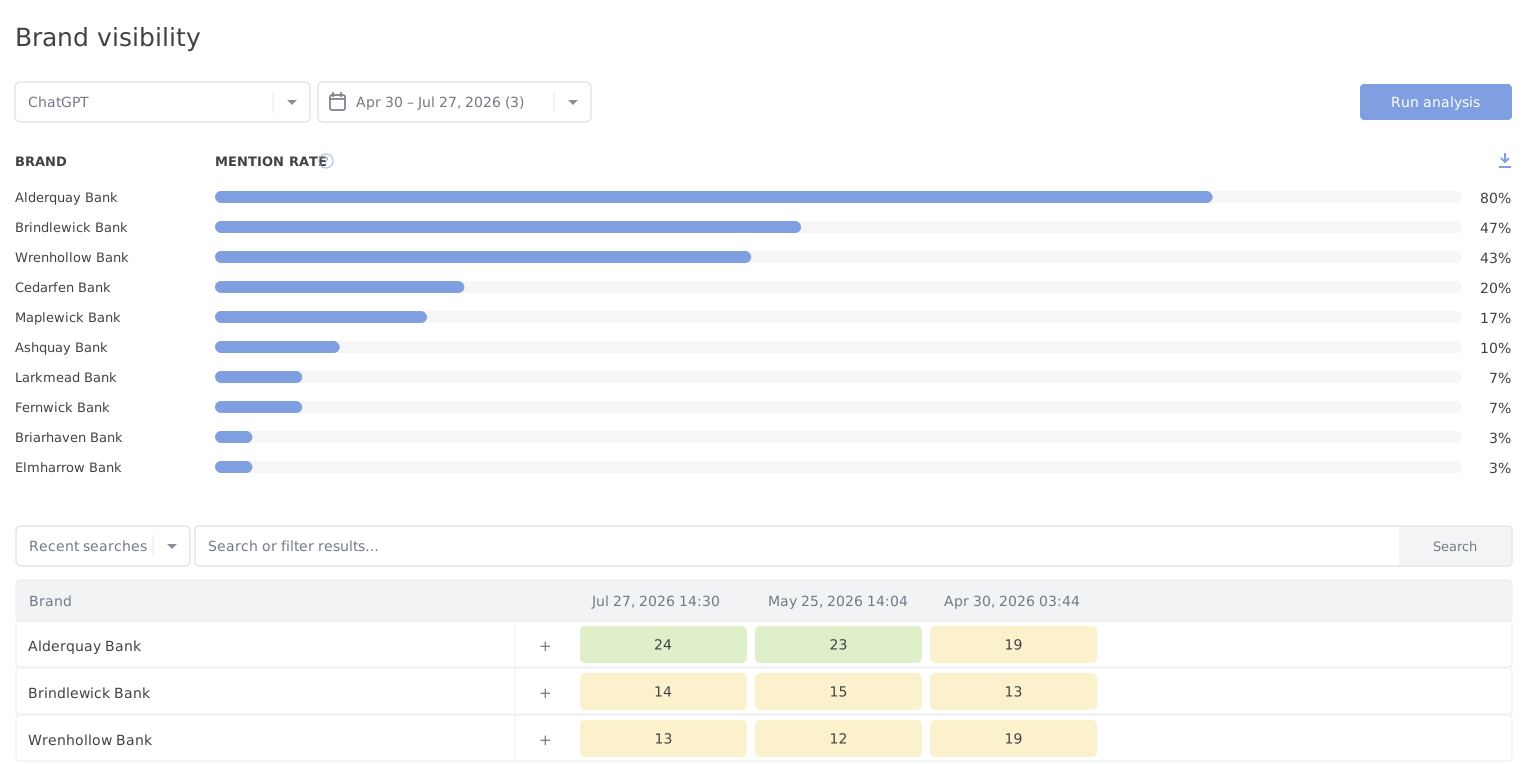
From a visibility check to getting the work done
- Check visibility
Compare your brand mentions with your competitors’.
- Run a GEO audit
Identify the causes and get recommendations.
- Put the findings to work
Make changes and track the results over time.
Why AI visibility matters
People increasingly turn to AI assistants with questions they used to type into search engines. Which service should I choose? Which companies should I compare? Who does this best? Who can I trust?
If your site is missing from those answers, ranks below competitors, or gets only a partial description, you lose some potential customers’ attention before they even reach the search results.
What the report helps you see
- Whether AI assistants mention your site or brand in their answers.
- Who ranks above you for the prompts that matter.
- Which competitors get attention more often.
- Which questions give your brand good visibility and where it barely appears.
- How AI assistants recognize your brand name, website, product, and spelling variations.
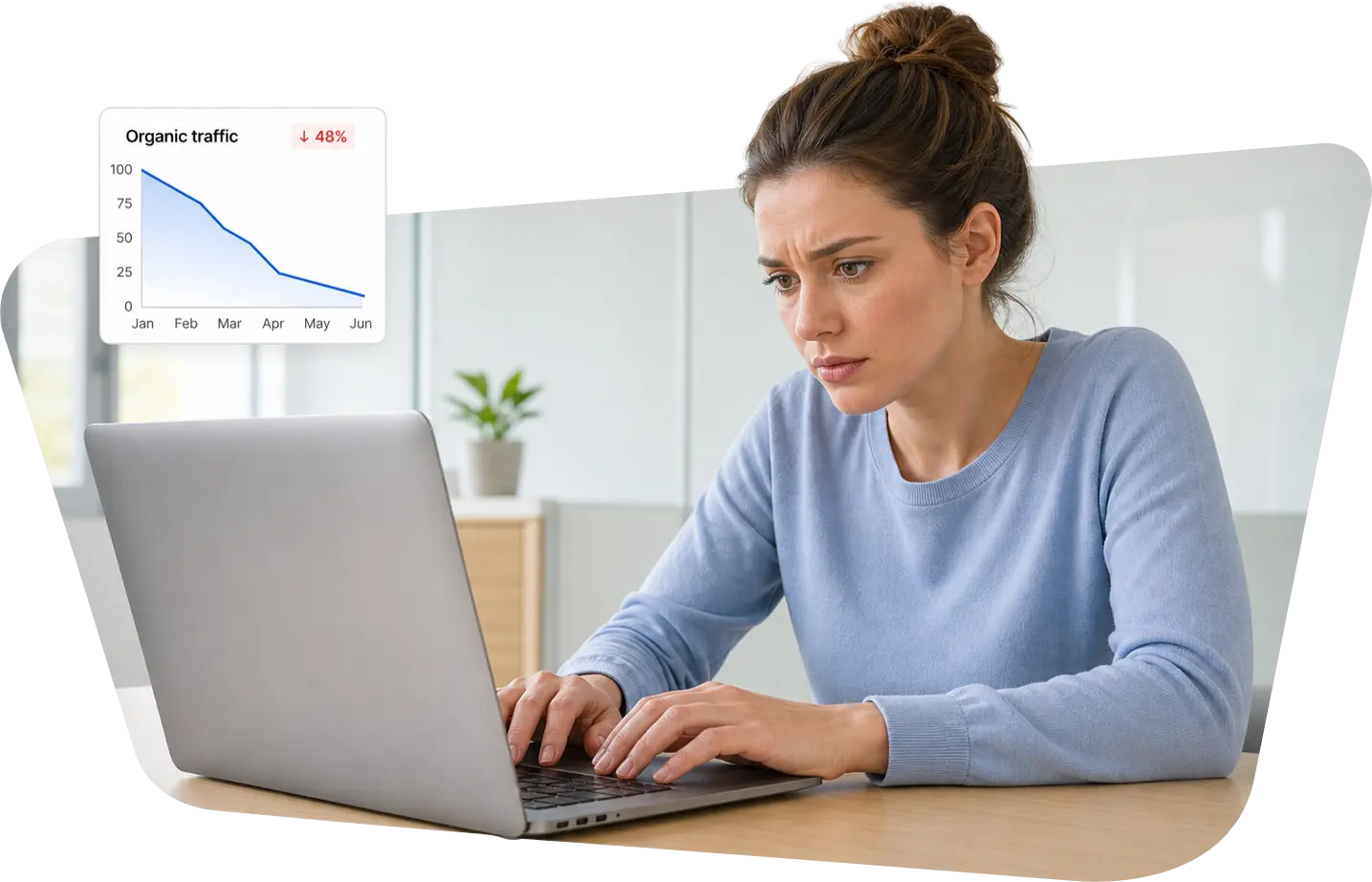
What the report shows after a check
See how visible your site and brand are across several AI assistants, from your overall position to the individual prompts where you could gain ground.
In the report you’ll see
-
Visibility and rankings
See which topics bring up your site or brand in AI answers, how prominently it appears, and where it ranks.
-
Competitor comparisons
See who AI assistants recommend in your place, which brands they mention more often, and who ranks higher.
-
Prompts with room for improvement
Identify questions where your brand is missing or ranks below competitors. Add your own prompts or use the prompt selection tool in your project settings.
-
How AI assistants recognize your brand
See which variations of your company name, domain, and product name assistants associate with your site.
-
A basis for deciding what to do next
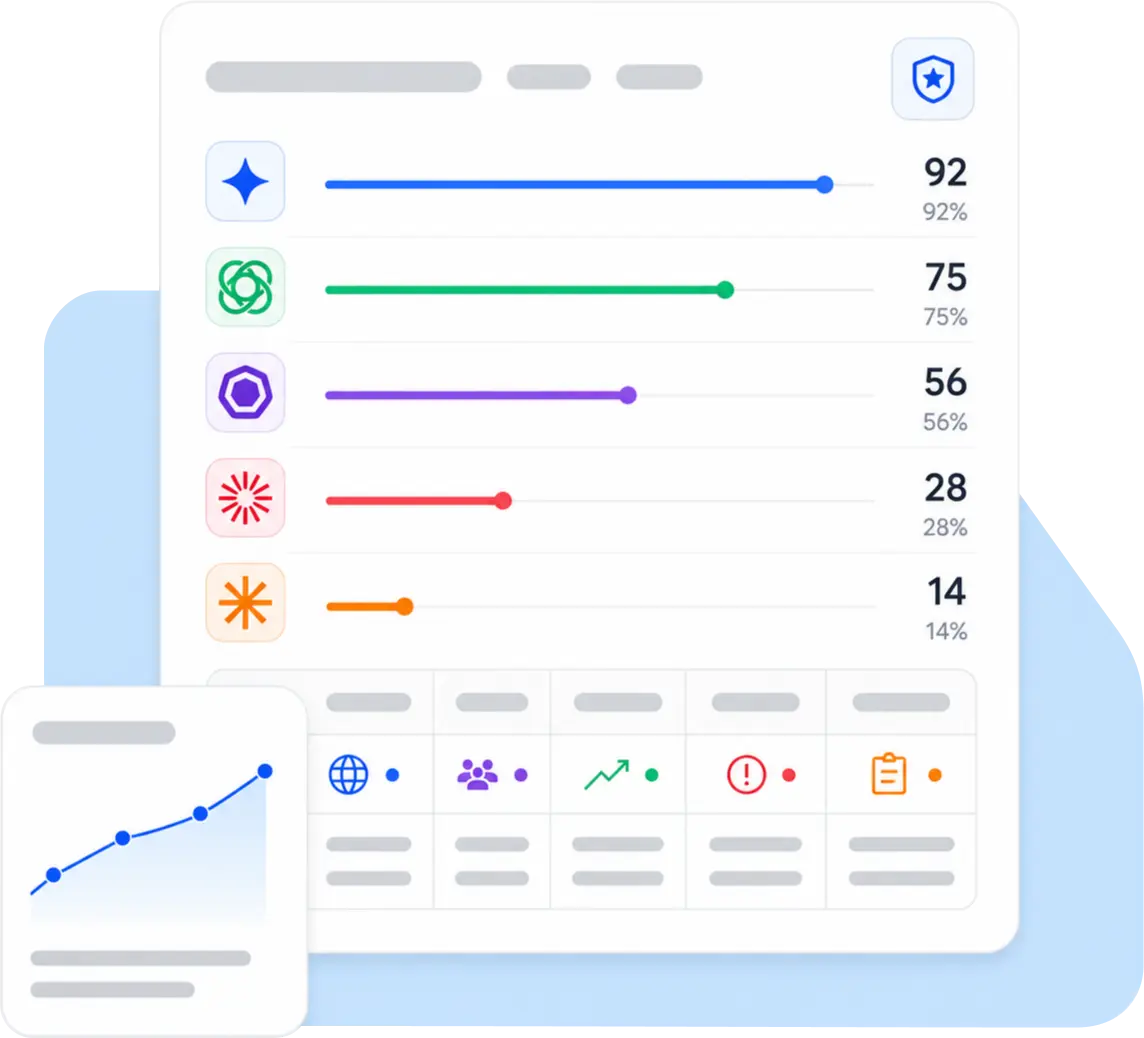
The report shows where you lose visibility. A GEO audit of the same site helps you understand why and gives you recommendations.
Why run a GEO audit after the visibility report?
The visibility report shows where your brand appeared, where competitors ranked higher, and which prompts returned no mention of your brand. Labrika’s GEO audit takes a closer look at how your site appears in AI answers and gives you more precise recommendations, so you can plan the work without guessing at the causes.
A GEO audit helps you
-
Investigate low visibility
Find out why your site may be less visible in AI answers for the topics and prompts you selected.
-
Get recommendations without guesswork
Get findings specific to your site, based on an analysis of your brand, competitors, and the assistants’ answers.
-
Turn monitoring into work on your site
The visibility report identifies the problem. The GEO audit helps you decide which areas to work on.
-
Check your results again
After making changes, rerun the visibility check to see what has changed across prompts and competitors.
How the check works
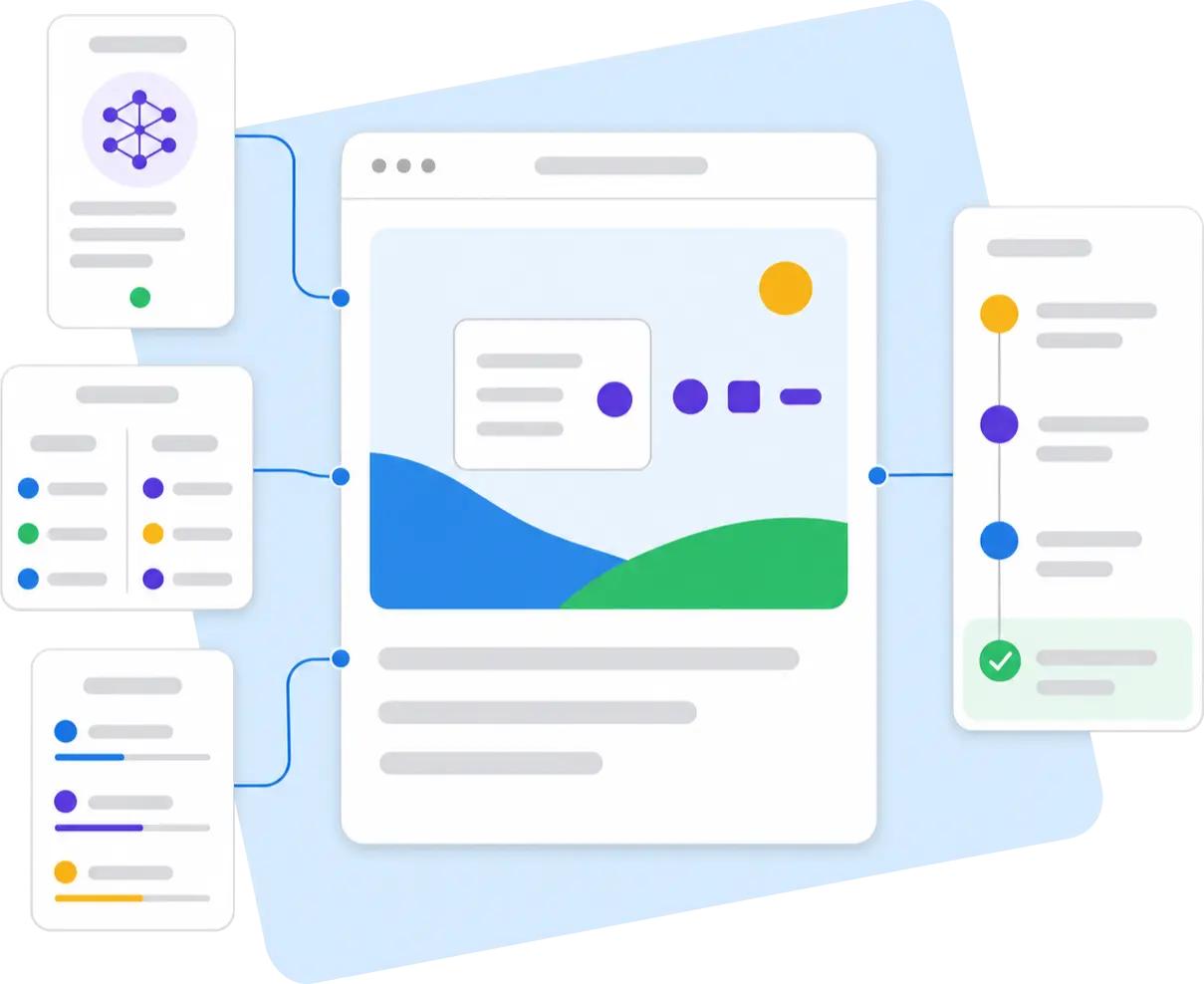
Four steps from setup to your AI visibility report.
-
Add your site
Enter the domain you want to check across AI assistants.
-
Choose prompts
Add your own questions or use the prompt selection tool in your Labrika project settings.
-
Add competitors
Compare your brand with the companies that might be getting attention in your place.
-
Get your report
Review rankings, mentions, leading brands, and the prompts where competitors get more attention.
What to do after the report
The visibility report tells you what’s happening in AI answers. Use Labrika’s GEO audit to find out why it’s happening and what to change.
-
Open a GEO audit
Run a GEO audit on the same site for a closer look at the causes and more specific recommendations.
-
Review underperforming prompts
Include prompts in your GEO audit where your brand is missing, ranks below competitors, or receives an incomplete description.
-
Compare brands across your market
See which brands consistently appear above yours and choose competitors for a more detailed GEO analysis.
-
Check brand synonyms
Use the brand synonyms report to see how AI assistants recognize your domain, brand, product, and name variations.
-
Define tasks after the GEO audit
A visibility table alone gives you too little to plan the work. Get the GEO audit recommendations first, then assign tasks to your team.
-
Run the check again
After making changes, track where your brand appears more often and where competitors still rank higher.

A new report for SEO agencies to include in their services
Clients are starting to ask how AI assistants see them. With Labrika, you can turn that question into a recurring service. Check visibility, compare competitors, investigate the causes with a GEO audit, and track the results over time.
-
An audit at the start of an engagement
Show clients a new blind spot. Highlight where their brand is missing, where competitors already get attention, and which prompts warrant a closer look.
-
A monthly section in your SEO report
Report on changes in AI visibility alongside search rankings, site audit findings, and content tasks.
-
An additional service for existing clients
Offer AI visibility monitoring as a separate service for clients working on SEO, content, and branded search demand.
For site owners and in-house teams
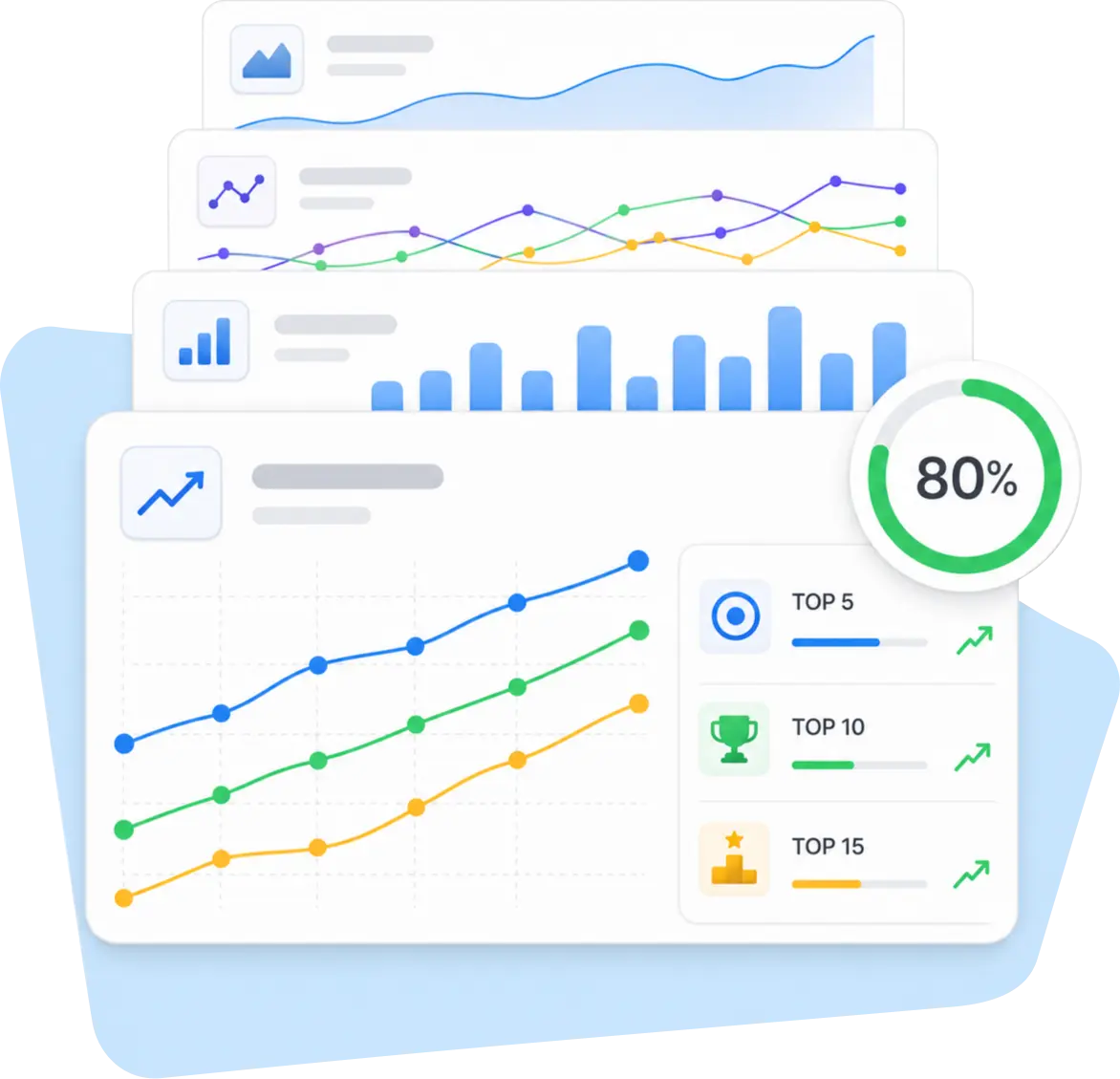
Quickly see whether your brand gets attention in this new search channel, whether competitors dominate the questions that matter, and which prompts to investigate next in a GEO audit.
-
Marketing
See which topics give your brand visibility and where AI assistants show competitors more often.
-
SEO
Find queries where you already perform well in organic search but have less visibility in AI answers.
-
Content
Build a list of prompts to investigate in a GEO audit so you can pinpoint the causes.
-
Management
See who appears most often in AI answers across your market and where your brand falls behind.
Frequently asked questions
What does the report check?
It shows whether AI assistants mention your site and brand, who appears above you, which brands lead for each prompt, and how the assistants recognize variations of your name.
Which AI assistants are available?
The check covers ChatGPT, Gemini, Claude, DeepSeek, and Perplexity.
Can I compare my brand with competitors?
Yes. A competitor comparison puts your score in context by showing which brands get attention from AI assistants on the questions that matter.
Do I need technical knowledge?
No. To run your first check, add your site, choose your prompts, and select your competitors. You’ll find the results in your Labrika reports.
Why track results over time?
AI answers can change. Repeat checks show where your brand is appearing more often and where competitors still rank higher.
Can I use the report for a client?
Yes. Agencies can use it as an audit at the start of an engagement, a recurring part of an SEO retainer, or a standalone AI visibility service.
See whether AI assistants recognize your site and brand
Run the report, compare your brand with competitors, and see which prompts cost you visibility in AI answers.
Check AI visibility